New-Style Questions in the Topics Library

Comments 13

Date Votes
  • jeremy.moore The Cognexo Team

    As it is Friday today, here are a couple more images of new-style trivia questions that we have recently added to the Topic Library

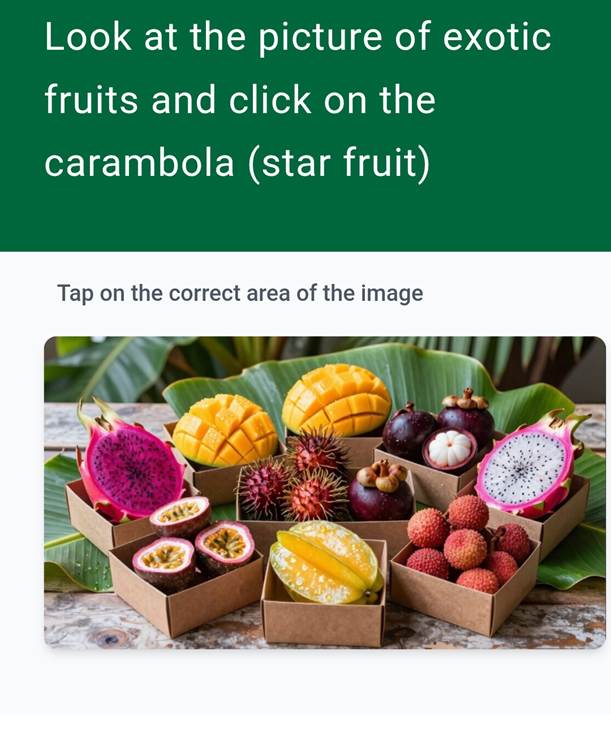
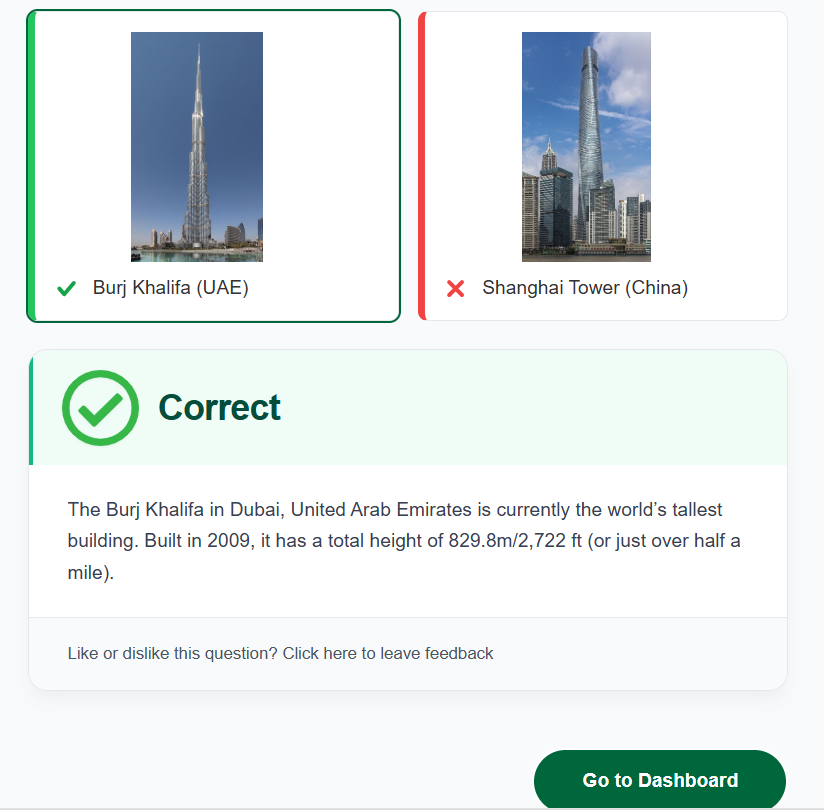
    This is an image map question that just requires the user to tap/click on the screen.

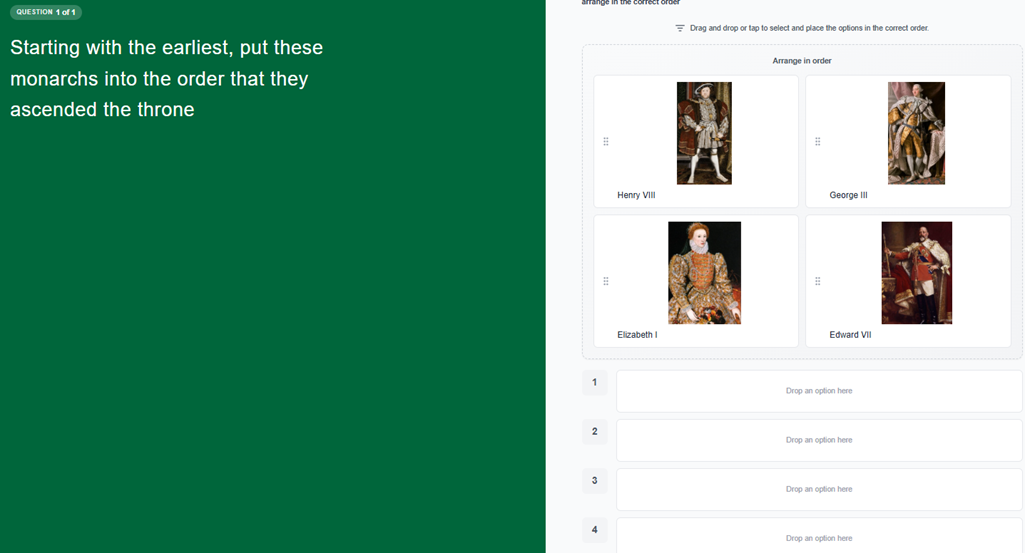
    Here is an example of an ordered question. Including the portraits adds some decoration to the question and hopefully makes it more engaging and fun than simply listing the monarchs' names.

    The versions of these questions in the Topic Library both have short time limits so that they are not too easy

    Feel free to take a look in the Topic Library as it is regularly updated with new topics and questions

  • jeremy.moore The Cognexo Team

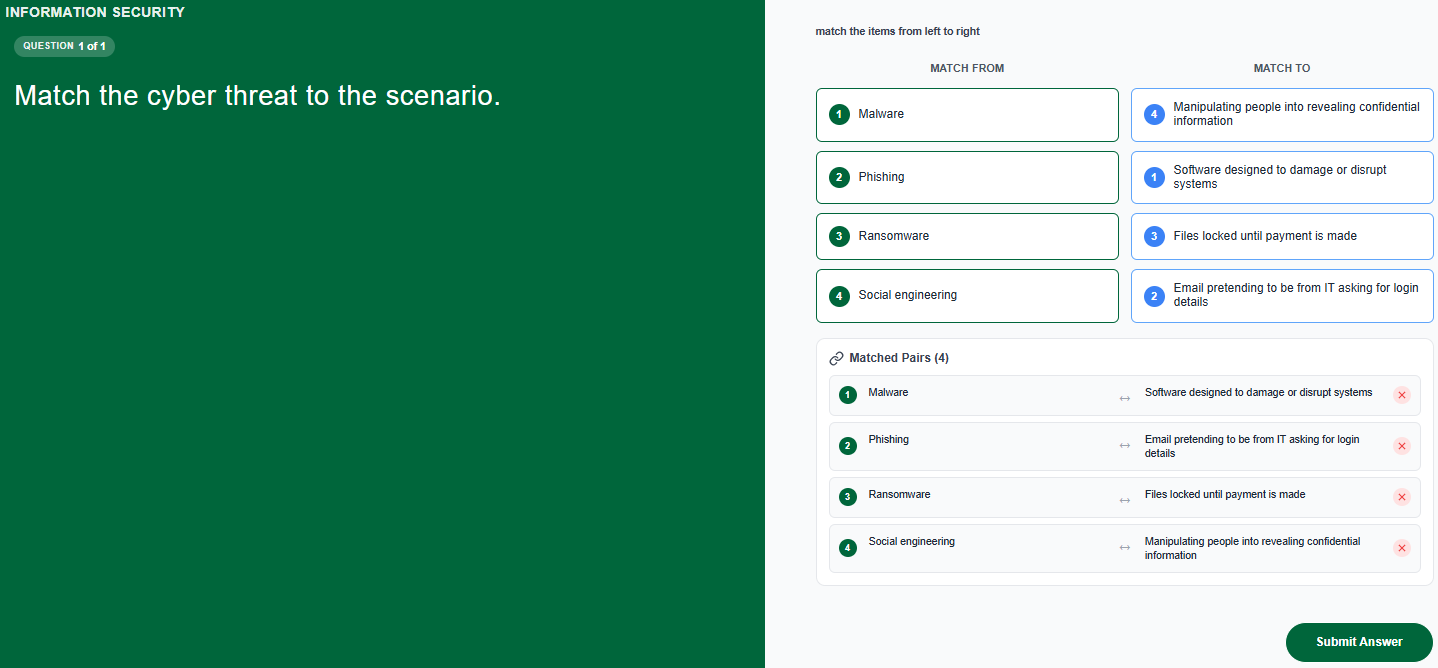
    Here is a link to a Knowledge Base guide on how to create the new-style match answer questions:

    New Question Types: How to create a match answer question


    Here are guides to the two other new-style questions:

    New Question Types: How to create an ordered answer question

    New Question Types: How to Create an Image Map Question

    I have generally found that the match answer questions are the easiest and quickest of the new question types for creating new content, so, if you haven't already, do have a go at creating some yourself.

  • jeremy.moore The Cognexo Team

    We have just added some more new-style questions to Topics Library

    There are some new matching answer and ordered questions in Being an Ally, Recognising Microaggressions and all the different Competition/Anti-Trust Law topics.

  • jeremy.moore The Cognexo Team

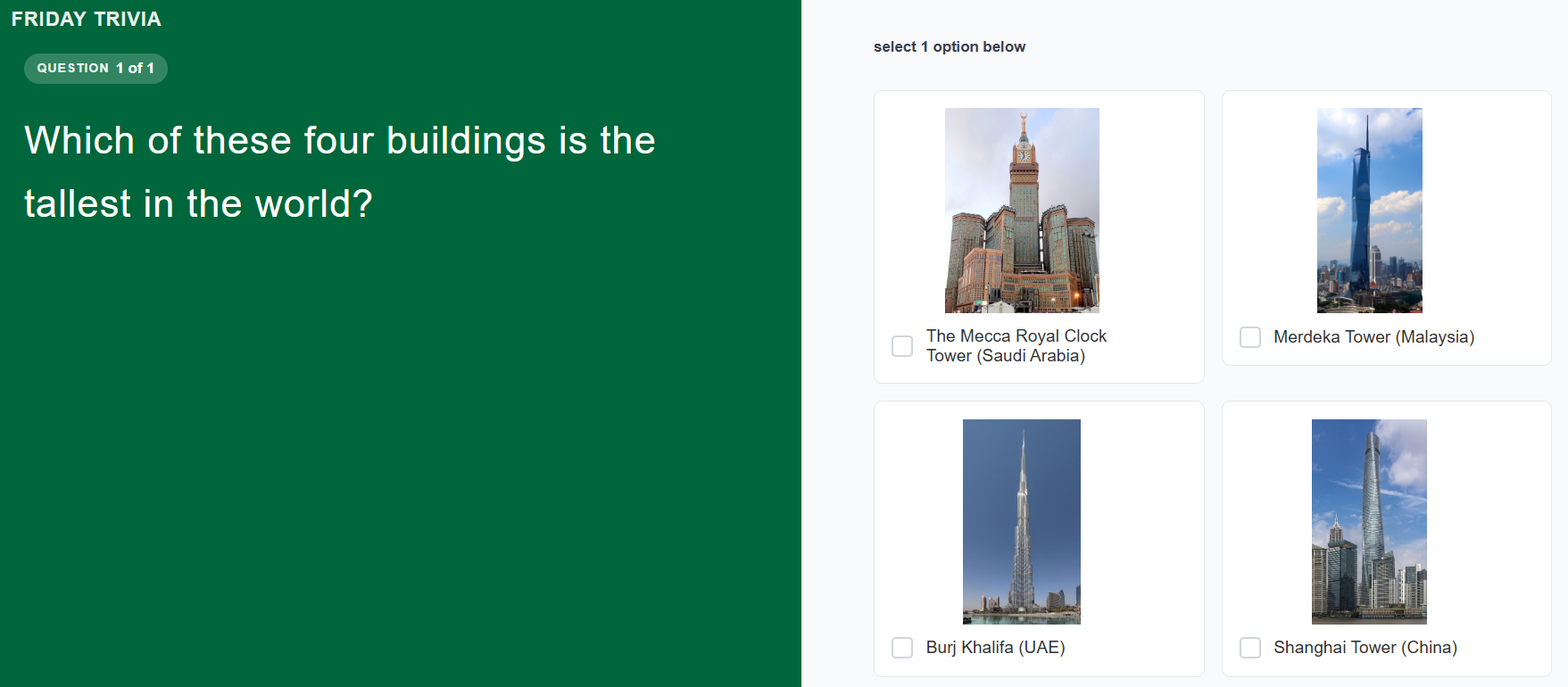
    Here is another new-style trivia question for Friday:

  • jeremy.moore The Cognexo Team

    Here's the answer:

  • Love the new question types! I'm working with our SMEs on reviewing our questions and where we can use these to add further value. Is there any way we can add an image in the question box to give context? the answers would then be normal text based multiple choice.

  • jess.swinney The Cognexo Team

    Hi Daniella

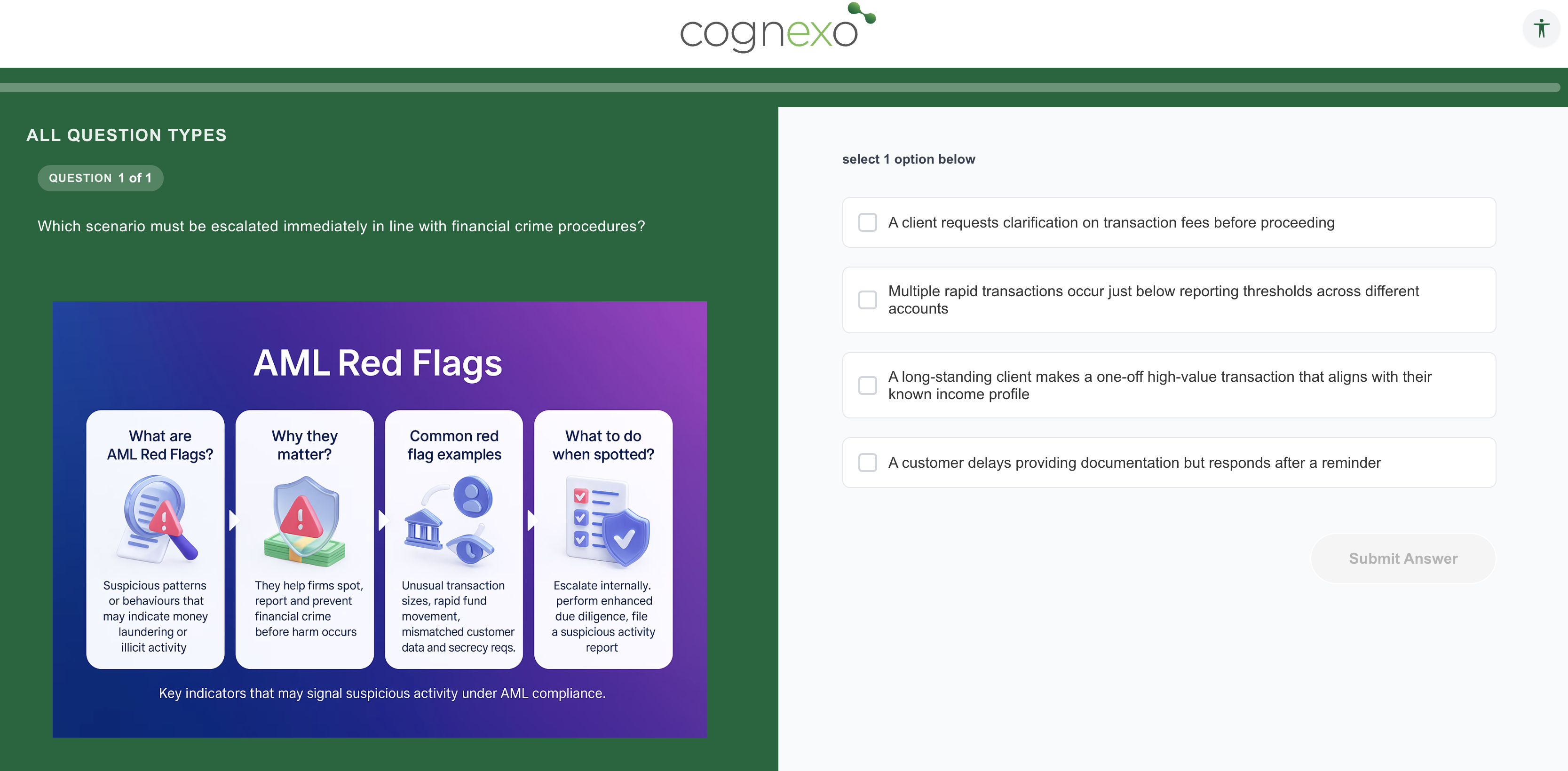
    Yes, you can add images to any question type. To enable image options, simply switch on the toggle located on the right-hand side. The toggle appears in the same position across all question types, making it easy to add images wherever needed.

  • Thanks Jess, how about the Question itself? Could you have a picture followed by the question?


  • jess.swinney The Cognexo Team

    Yes, here is an example of how that would look. 

    Screenshot 2026-06-23 at 14.19.49.png
  • jeremy.moore The Cognexo Team

    Here is a link to a short guide to Adding Images to Questions

  • jeremy.moore The Cognexo Team

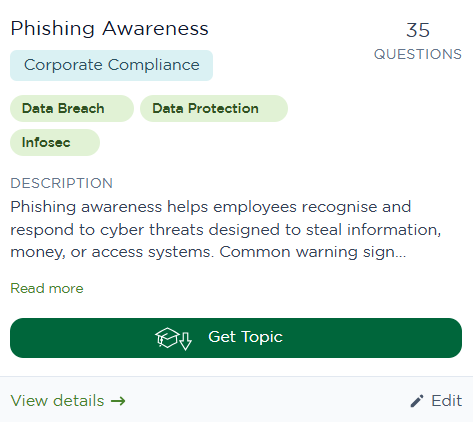
    We have added a new Phishing Awareness subject to the Topics Library. The questions are a mix of the new and old style, with time limits on some of them.

    We are using the questions for both our daily questions and assessments as part of work we have been doing on Phishing. There is more to follow on this, but, in the meantime, feel free to take a look at the topic.

  • jeremy.moore The Cognexo Team

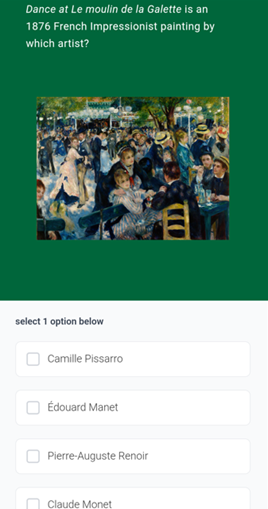
    We've just added a new trivia-themed topic to the Topics Library: Art & Artists. The questions cover artist identification, art movements, famous artworks, art history, auction records, and visual recognition, ranging from relatively easy to more challenging, with plenty of images of paintings included.

    Here's a sample question:

    The Cognexo team are really enjoying this topic at the moment. More details to follow in due course — but to note, we're using a self-select version, where users can choose the topic themselves and add its questions to their own stack.

  • jeremy.moore The Cognexo Team

    We’ve improved image map questions that have more than one correct area.

    You can now choose whether learners must select every correct area, or just one of them, to answer the question correctly.

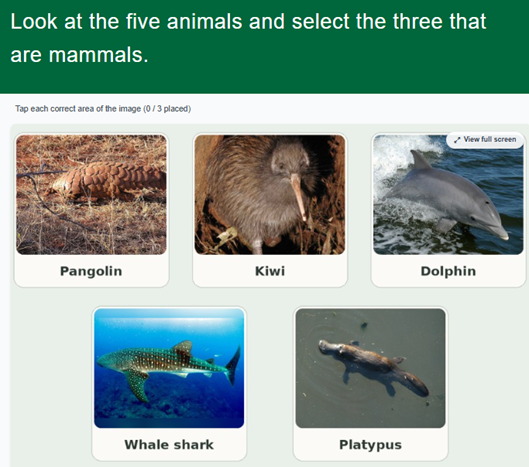
    In the example below, learners are asked to select the three mammals, so the question has three correct areas: the pangolin, the dolphin and the platypus.

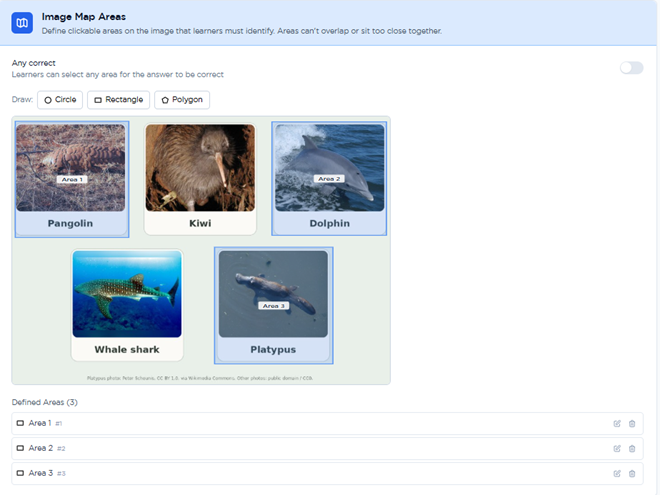
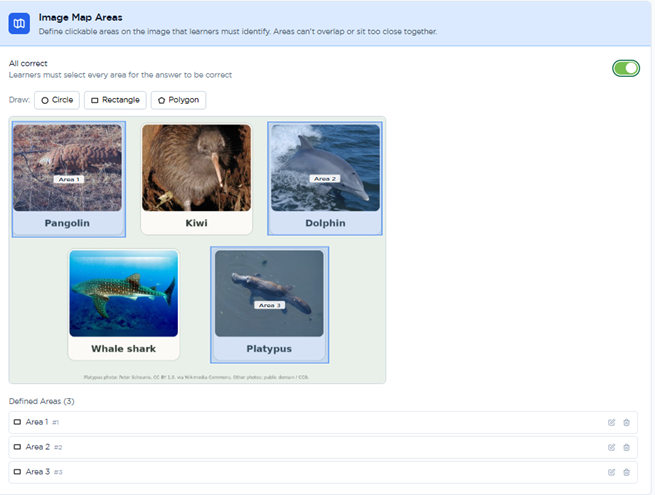
    When you set up the question, use the toggle at the top of the Image Map Areas panel (see below) to choose how it is marked.

    1. Any correct (toggle off)

    Learners only need to select one of the correct areas. In this example, choosing any one of the three mammals counts as a correct answer.

    1. All correct (toggle on)

    Learners must select every correct area. In this example, they need to choose all three mammals to answer the question correctly.

    For more information, see our help article on Image Map questions.