
If you've ever asked "which audiences is this person actually in?" and had to go digging through campaigns to work it out, this should help.
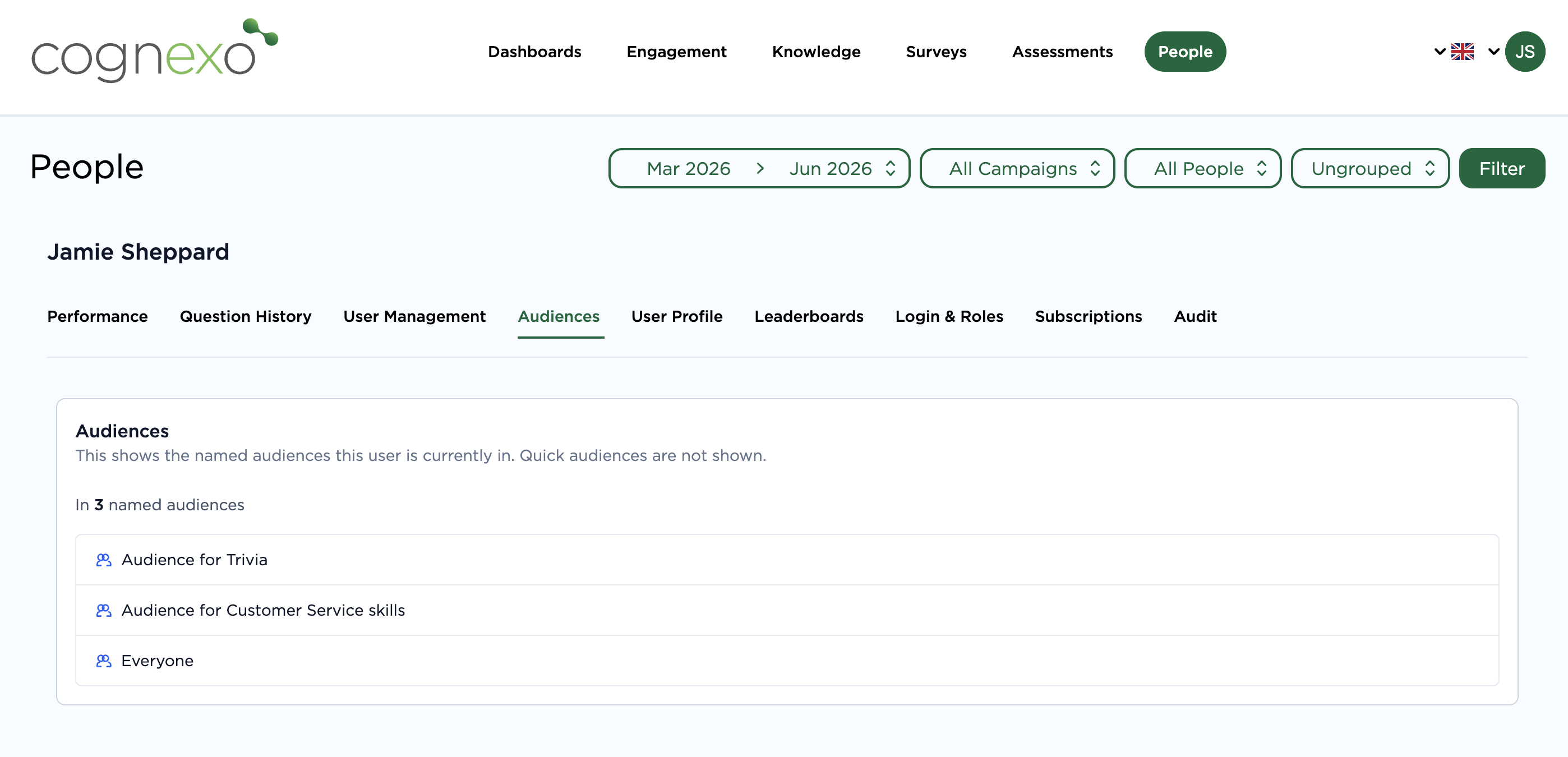
The Audiences tab shows you every named audience a user is currently a member of, the ones you've built and reuse, all surface here.
It's a small thing, but it's one of those views that turns a three-minute head-scratch into a two-second check. Useful when you're troubleshooting why someone is or isn't receiving a particular campaign, or when you're doing a sense-check before making audience changes.
Find it in People > select any user > Audiences tab.
Have you found yourself needing this view before?
Comments 1