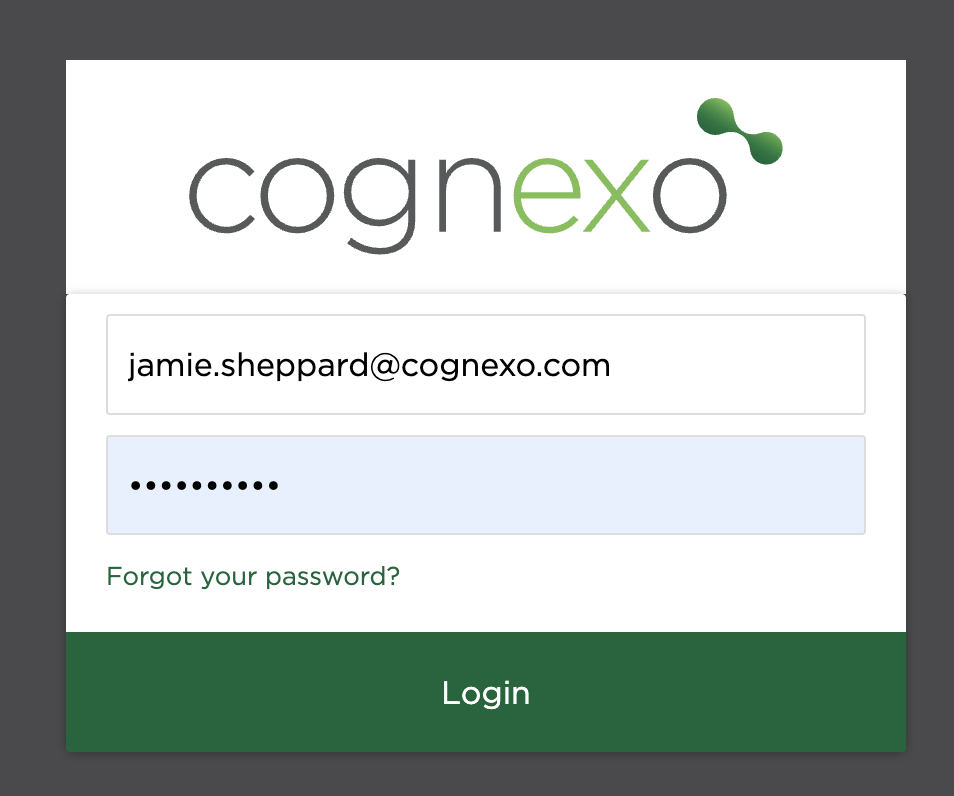
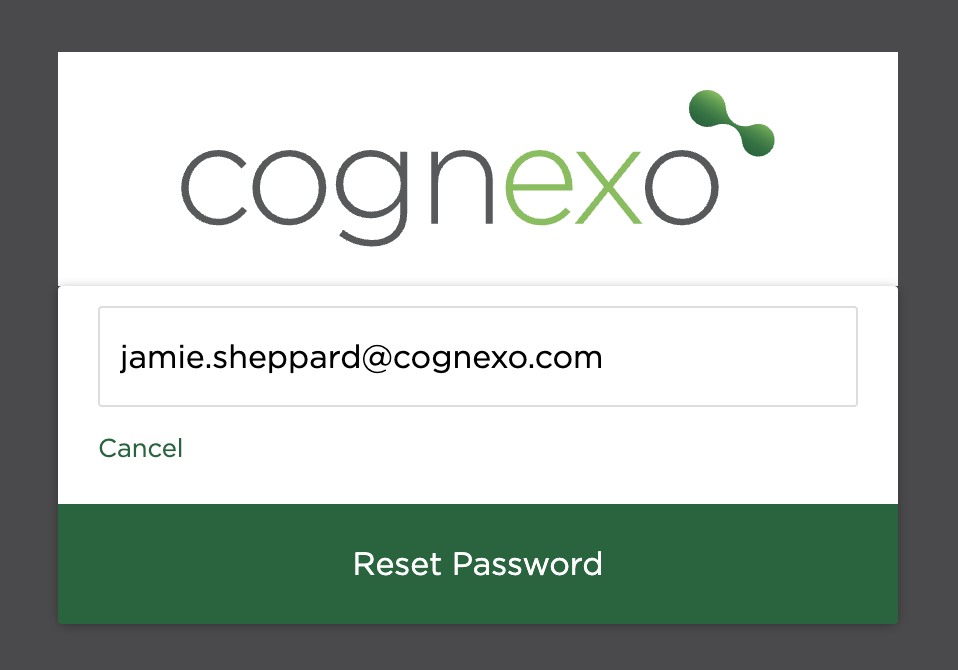
To reset your password for the Intelligence Portal, simply click 'Forgot your password' you'll then be directed send a reset email to your registered email - If your email exists in the platform you will receive an email with a link to set your new password.
If you have attempted to set a new password but nothing seems to be happening—no confirmation message, no error, or the page simply reloads or stays the same—the issue may be related to the password not meeting the required criteria.
To successfully create a new password, it's important to ensure it adheres to specific security guidelines. A valid password should ideally include a combination of the following elements:
- At least one uppercase letter (e.g. 'G')
- At least one lowercase letter (e.g. 'i', 'o', 'n', 'y')
- At least two numbers (e.g. '3', '0')
- At least two special characters (e.g. '?', '!')
- A minimum total length of ten characters
For example, a password like ioGn3y0?2! meets all these requirements:
- It's exactly ten characters long
- Contains a mix of upper and lowercase letters
- Includes multiple numbers
- Has two special characters
If your password doesn’t meet one or more of these criteria, the system may silently reject it without giving a clear error message. Try revising your password to ensure it satisfies all the listed requirements, then attempt the reset again. If the problem persists even after using a compliant password, consider clearing your browser cache or trying a different device or browser.
Admin Portal Password Issues and Lockout
Admin users (those with Intelligence Portal access) sometimes face different password issues to learners. The most common are: the verification code email not arriving, and the admin dashboard becoming locked after too many failed attempts.
Verification code not arriving
When an admin uses "Forgot your password," a verification code is sent to their registered email. If this code never arrives:
1. Check your junk/spam folder for an email from no-reply@cognexo.com or noreply@cognito-il.co.uk.
2. Ask your IT team to confirm that emails from these domains are not being blocked or quarantined by your email security system (Mimecast, Proofpoint, etc.). This is the most common cause — domain masking or email filtering blocks the verification email before it reaches the inbox.
3. Try the reset in a different browser or incognito window to rule out a browser extension interfering.
4. If the above do not resolve it, contact Cognexo support. The team can issue a temporary password directly. When doing so, provide: the admin's email address, their name, and the name of your organisation.
Admin dashboard locked
If the admin dashboard shows a locked message after multiple failed login attempts:
1. Do not continue trying to log in — this will extend the lockout period.
2. Contact Cognexo support with the admin's email address and request a manual password reset.
3. The team will issue a temporary password. You should change this to a permanent password immediately after logging in.
What to provide when contacting support about a password issue
| Information to include | Why it's needed |
| The admin's email address | To locate the account |
| Organisation name | To verify identity |
| Whether it's SSO or non-SSO login | Different reset processes apply |
| What error message (if any) is shown | Helps narrow down the cause |
| Whether this is a new account or a previously working one | New accounts may need their login email confirmed first |
SSO vs. non-SSO login
If your organisation uses Single Sign-On (SSO), the password reset described above may not apply — your password is managed by your Identity Provider (e.g., Azure AD), not Cognexo. In this case:
• Password resets should be handled by your internal IT team, not Cognexo support.
• If SSO is working for other users but not for a specific admin, the issue is likely that the admin's email in Cognexo does not match their SSO login email. Contact Cognexo support to verify and correct the email address.