
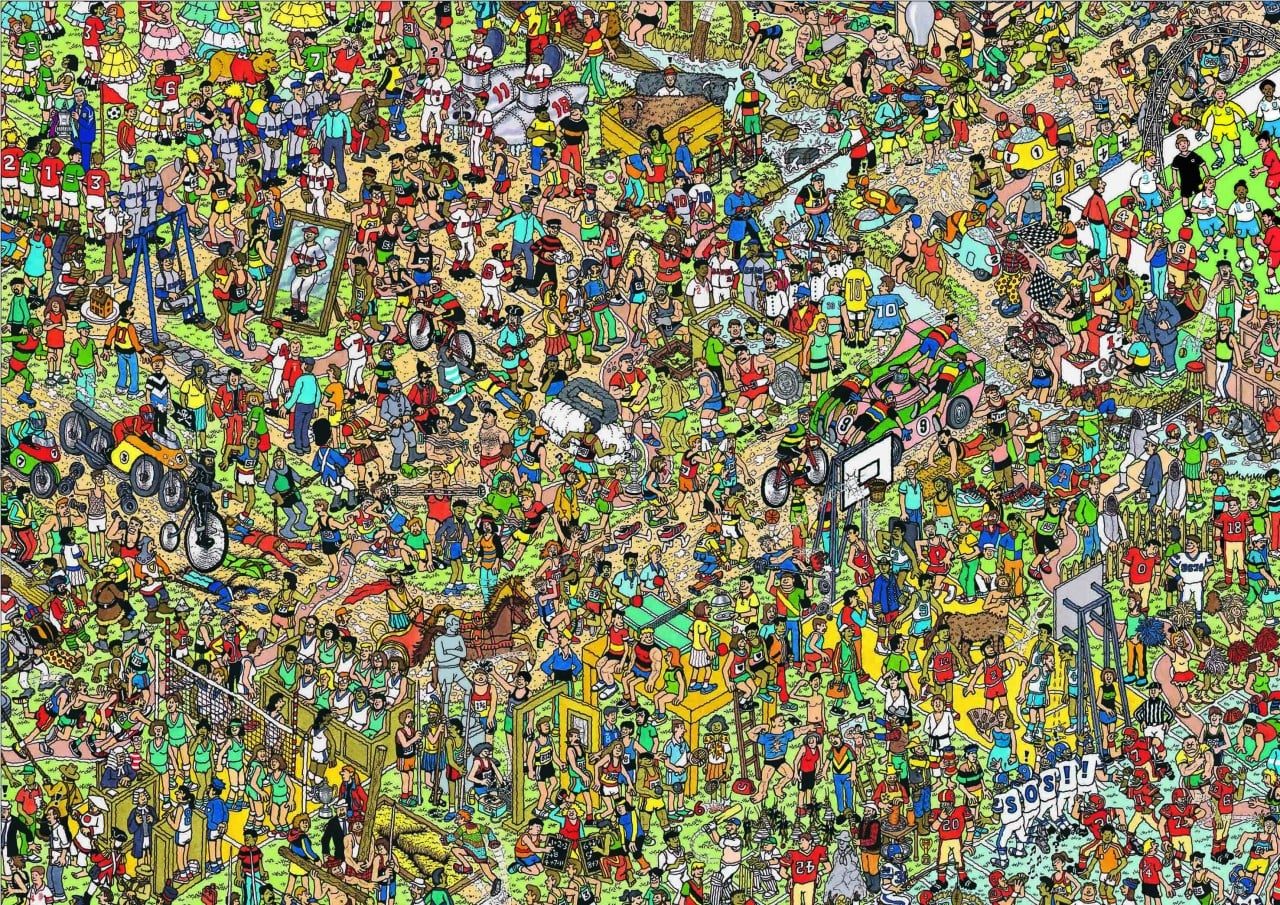
Everyone knows Where's Wally. You're given a chaotic scene, told to find one specific thing, and your brain goes into overdrive scanning every inch of the image. You're engaged. You're focused. You don't even realise you're working hard.
That's exactly the idea behind our new Image Map question type.
Instead of picking from a list of options, learners click directly on an image to answer. No A, B, C, D and No guessing from a list.
What does that look like in the real world?
🏭 Health & Safety — "Click on the slip, trip or fall hazard in this warehouse photo" No tick box exercise. An actual photo of an actual workplace. Learners have to spot the real risk.
🖥️ Systems Training — "Where would you click to raise a support ticket?" Drop a screenshot of your actual software in. Learners click the right button. Instant, visual, contextual.
🔧 Automotive & Technical — "Identify the component that needs replacing" A photo of an engine, a wheel, a dashboard. Learners point to the part. Not describe it, point to it.
📦 Freight & Logistics — "Which of these packages is loaded incorrectly?" A real photo of a real freight configuration. Learners find the problem before it becomes one in real life.
The thing all of these have in common? The learner can't guess. They have to know.
And if they get it wrong, the explanation shows them exactly where they should have looked and why — so next time, in the real world, they'll see it.
Now - Can you find Wally? - drop it in the comments if you find him, but don't give it away!
If you're inspired and want to create one right away - here's how - How to Create an Image Map Question
What would you use this for in your organisation? We'd love to know below 👇
Comments 2